Top Construction Project Management Software in Bulgaria [2026] — How to Choose
A comparative review of construction software in Bulgaria for 2026. Learn how to choose the right project management system — from specialized solutions to ERP with construction modules.
![Top Construction Project Management Software in Bulgaria [2026] — How to Choose](/_next/image?url=%2Fblog%2Fcovers%2Fconstruction-software-comparison-bulgaria.jpg&w=3840&q=75)
Bulgaria's construction sector is growing at 11% annual GDP growth — the fastest of any industry. As projects multiply, so does the need for software that replaces spreadsheets and paper folders. But choosing the right tool is far from simple: the market offers dozens of options — from purpose-built construction platforms to ERP giants with a construction add-on, and niche tools that handle only one specific task. How do you pick the right solution for your company without wasting months on the wrong choice?
What to Look for in Construction Software
Before comparing specific products, define what matters most for your business. Here are 8 criteria that separate strong solutions from mediocre ones:
Process Coverage
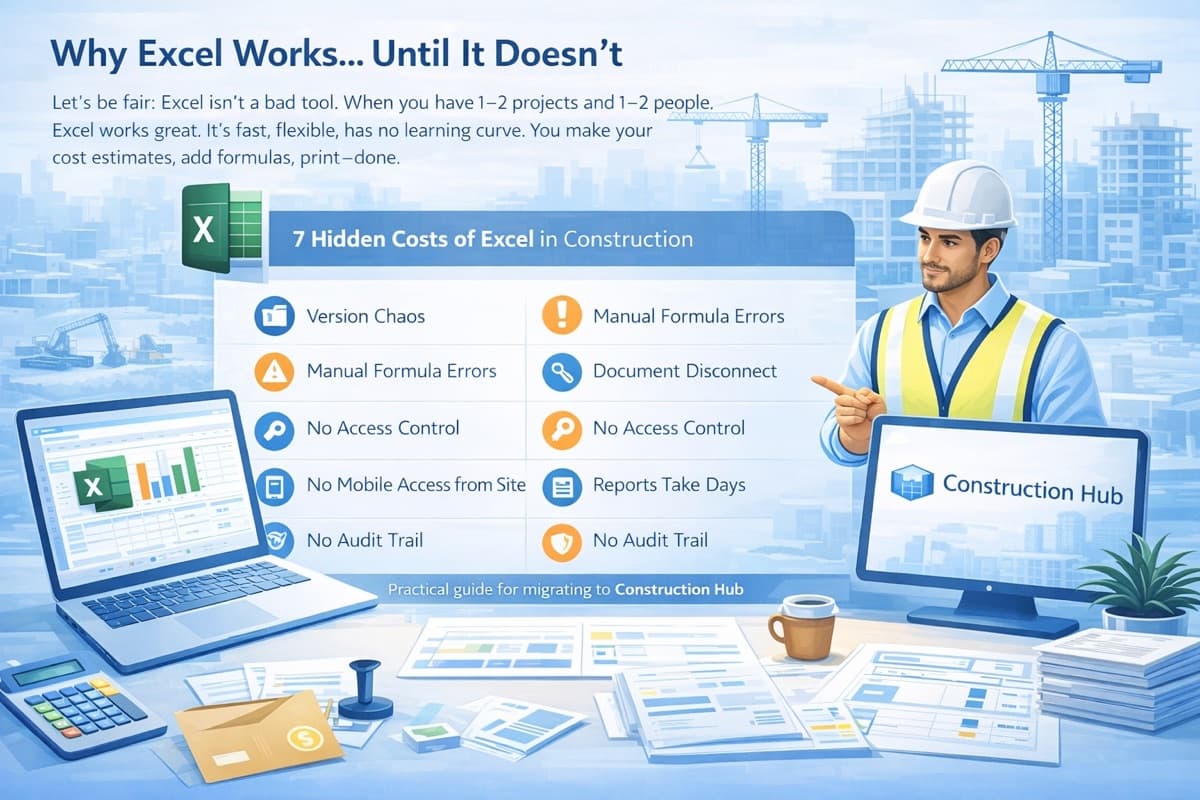
Construction is not just about bills of quantities. You deal with estimates, contracts, progress certificates, invoices, warehouses, schedules, partners, and analytics. If the software covers only one piece, the rest stays in Excel — and the chaos continues.
Ask yourself: How many of my daily processes does this system actually cover?
Cloud Access
In construction, people are on-site, in the office, and on the road. If the software runs only on a specific desktop, half your team is locked out when they need it most.
Ask yourself: Can I work from my phone while standing on the job site?
AI Capabilities
Artificial intelligence is no longer a future promise — it saves hours of manual work today. AI-powered invoice parsing, automatic data extraction from PDF documents, intelligent line-item matching — these features make the difference between "I spent 3 hours entering data" and "done in 5 minutes."
Ask yourself: Does this platform offer AI features, or is everything manual?
Pricing and Licensing Model
A low monthly fee can hide expensive implementation (EUR 5,000–15,000), mandatory training, or per-module charges. Understand the total cost for year one, not just the monthly subscription.
Ask yourself: What is the real cost for my 10-person team over 12 months?
Local Language Interface and Support
If your team doesn't speak English fluently, an English-only platform is useless. Support matters just as much — when you hit a problem on Friday afternoon, you want to talk to someone in your language, not file a ticket in English and wait until Monday.
BIM/IFC Integration
If you work with BIM models (Revit, ArchiCAD), the ability to import IFC files is a massive advantage. Instead of manually extracting quantities from drawings, the system reads the 3D model and generates a bill of quantities automatically.
Ease of Use
Powerful software is worthless if nobody uses it. If training takes months and users revert to Excel, the investment is lost.
Scalability
Today you have 3 projects and 5 users. In two years, you might have 15 projects and 30 users. Can the system grow with you without a new installation or migration?
Three Categories of Solutions on the Market
Construction software in Bulgaria falls into three broad categories. Each has its strengths and trade-offs.
Specialized Construction Platforms
These are systems built specifically for the construction industry. They cover the entire project lifecycle: from the estimate and bill of quantities, through contracts and progress certificates, to invoicing and analytics.
Strengths:
- Full coverage of construction workflows (25+ modules)
- Industry-specific terminology and logic
- AI document parsing, IFC import
- More affordable than ERP solutions
- Fast deployment (days, not months)
Limitations:
- May not cover highly specialized accounting needs (that's what accounting software is for)
Construction Hub is an example of this category — with 25 integrated modules, AI-powered document parsing, IFC import, and cloud access. You can learn more about the platform in What is Construction Hub.
ERP Systems with a Construction Module
These are large-scale enterprise systems (based on Dynamics 365, SAP, or proprietary platforms) that offer a construction module as an add-on to their core ERP functionality.
Strengths:
- End-to-end coverage: accounting, HR, CRM, warehousing
- Suitable for large corporations with 100+ employees
- Established market presence
Limitations:
- High cost: EUR 400–500/month + EUR 5,000–15,000 for implementation
- Complexity: training takes months
- The construction module is a compromise — it wasn't built by construction specialists
- Require consultants for setup and customization
- Overkill for small and mid-size companies
Niche Tools
Software focused on a single specific task: bills of quantities, pricing, accounting with a construction module, or scheduling.
Strengths:
- Excellent at their specific job
- Lower price point
- Quick to learn
Limitations:
- Fragmented workflow: BOQ in one program, contracts in another, invoices in a third
- No unified database — data is copied manually between systems
- No holistic project control
- With 5+ tools, the chaos is worse than Excel
Comparison Table
| Criterion | Specialized Platform | ERP System | Niche Tool |
|---|---|---|---|
| Construction-specific modules | 20–25+ | 5–10 | 1–3 |
| AI document parsing | Yes | No | No |
| IFC/BIM import | Yes | No | Rarely |
| Cloud access | Yes | Varies | Varies |
| Mobile access | Yes | Limited | No |
| Free trial | Yes | No | Rarely |
| Local language UI | Yes | Varies | Yes |
| BOQ to Certificate to Invoice chain | Automatic | Manual | No |
| Monthly cost | Medium | Very High | Low |
| Deployment time | Days | Months | Hours |
| Scalability | Yes | Yes | Limited |
Key Selection Criteria
Process Coverage: How Much of Your Work Lives in the System?
If the software covers only bills of quantities but not contracts, progress certificates, and invoices, you are still transferring data manually between systems. The ideal scenario is a connected chain: from BOQ through progress certificate to invoice.
Ease of Use vs. Complexity
ERP systems offer everything, but 95% of the features are irrelevant to your daily work. Your construction team wants to click 3 buttons and generate a progress certificate — not navigate through 15 menus.
Pricing and Hidden Costs
Compare the total cost for year one:
- Subscription x 12 months
- Implementation and setup
- Training
- Additional modules
- Support and maintenance
With ERP systems, implementation costs often exceed the annual subscription by 3–5x.
Future-Readiness
Construction is digitizing fast. The software you choose today must have AI capabilities, BIM integration, and cloud-native architecture — otherwise, you'll be migrating again in 2–3 years.
5 Questions to Ask Every Vendor
Before you make a decision, ask these questions:
- Can I try it for free? — If not, why? What are they hiding?
- What is the real monthly cost for my team? — Does it include all modules, or are there add-on fees?
- How long does implementation take? — Days, weeks, or months?
- Can I import my existing data? — I have 50 Excel files with bills of quantities — can I bring them in?
- What AI capabilities do you offer? — Or is everything manual entry?
Why Construction Companies Choose Construction Hub
Construction Hub was built by a team that understands construction. Here's why companies choose it:
- 25 integrated modules — covering the entire project lifecycle
- AI parsing — upload a PDF and the system extracts the data automatically
- IFC import — go from a BIM model to a bill of quantities in minutes
- Cloud access — work from the office, the job site, or home
- Local language interface and support — we speak your language
- Free trial — try before you buy
- Affordable pricing — no expensive implementation or hidden fees
- Fast onboarding — days, not months
For a full overview of the modules, see What is Construction Hub and How It Can Help Your Business.
Related Articles
- What is Construction Hub and How It Can Help Your Construction Business
- Construction Cost Control — How to Stay Within Budget
- 10 Problems Every Construction Project Manager Knows
Want to see how Construction Hub can help your company? Get in touch for a free demo and consultation.